
August 6, 2026

Hello parents and guardians,
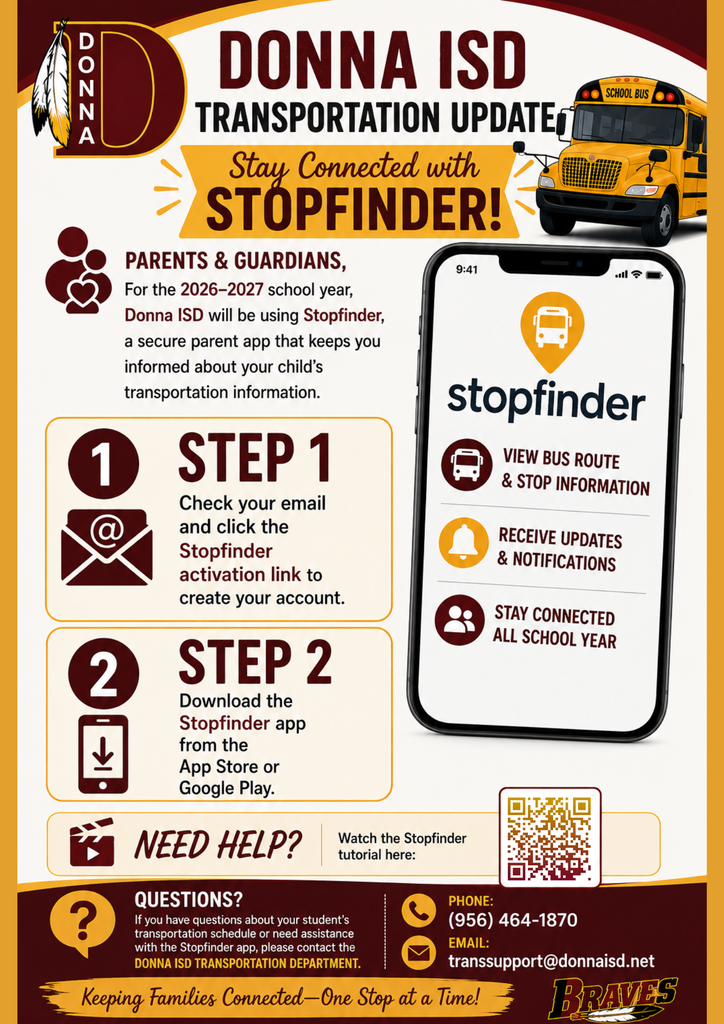
For the 2026–2027 school year, we will be using a parent app called Stopfinder to share student transportation information. Stopfinder keeps families updated on their child's busing details and more!
Please follow the steps below to create a Stopfinder account and activate your student’s subscription.
Step 1: Follow this link sent to your email to activate your subscription.
Step 2: Download the Stopfinder app.
[Apple] [Android]
For a tutorial on how to use the Stopfinder app, feel encouraged to use the link below:
https://mytransfinder.com//mytf/videos/Stopfinderapp.mp4
If you have any questions about your student’s schedule or the Stopfinder app, please contact the Transportation Department by phone at 956-464-1870, or send us an email at transsupport@donnaisd.net.
Sincerely,
Donna ISD
-----------------------------------------------------
Hola, padres y tutores,
Para el año escolar 2026–2027, utilizaremos una aplicación para padres llamada Stopfinder para compartir información sobre el transporte estudiantil. ¡Stopfinder mantiene a las familias al tanto de los detalles del transporte en autobús de sus hijos y más!
Por favor, siga los pasos a continuación para crear una cuenta de Stopfinder y activar la suscripción de su estudiante.
Paso 1: Sigue este enlace enviado a su correo electrónico para activar su suscripción.
Paso 2: Descargue la aplicación Stopfinder.
[Apple] [Android]
Para ver un tutorial sobre cómo utilizar la aplicación Stopfinder, le invitamos a utilizar el siguiente enlace:
https://mytransfinder.com//mytf/videos/Stopfinderapp.mp4
Si tiene alguna pregunta sobre el horario de su estudiante o sobre la aplicación Stopfinder, comuníquese con el Departamento de Transporte llamando al 956-464-1870 o envíenos un correo electrónico a transsupport@donnaisd.net.
Atentamente,
Donna ISD
For the 2026–2027 school year, we will be using a parent app called Stopfinder to share student transportation information. Stopfinder keeps families updated on their child's busing details and more!
Please follow the steps below to create a Stopfinder account and activate your student’s subscription.
Step 1: Follow this link sent to your email to activate your subscription.
Step 2: Download the Stopfinder app.
[Apple] [Android]
For a tutorial on how to use the Stopfinder app, feel encouraged to use the link below:
https://mytransfinder.com//mytf/videos/Stopfinderapp.mp4
If you have any questions about your student’s schedule or the Stopfinder app, please contact the Transportation Department by phone at 956-464-1870, or send us an email at transsupport@donnaisd.net.
Sincerely,
Donna ISD
-----------------------------------------------------
Hola, padres y tutores,
Para el año escolar 2026–2027, utilizaremos una aplicación para padres llamada Stopfinder para compartir información sobre el transporte estudiantil. ¡Stopfinder mantiene a las familias al tanto de los detalles del transporte en autobús de sus hijos y más!
Por favor, siga los pasos a continuación para crear una cuenta de Stopfinder y activar la suscripción de su estudiante.
Paso 1: Sigue este enlace enviado a su correo electrónico para activar su suscripción.
Paso 2: Descargue la aplicación Stopfinder.
[Apple] [Android]
Para ver un tutorial sobre cómo utilizar la aplicación Stopfinder, le invitamos a utilizar el siguiente enlace:
https://mytransfinder.com//mytf/videos/Stopfinderapp.mp4
Si tiene alguna pregunta sobre el horario de su estudiante o sobre la aplicación Stopfinder, comuníquese con el Departamento de Transporte llamando al 956-464-1870 o envíenos un correo electrónico a transsupport@donnaisd.net.
Atentamente,
Donna ISD